

- Guide
- Quality
- Image
- Video
Open evals: how to know your images are actually getting better
A practical guide to evaluating and monitoring image and video generation quality. Build an open eval set, pick metrics that match what you care about, catch regressions before customers do, and keep watching quality in production.
ClockingCloud Research10 min read
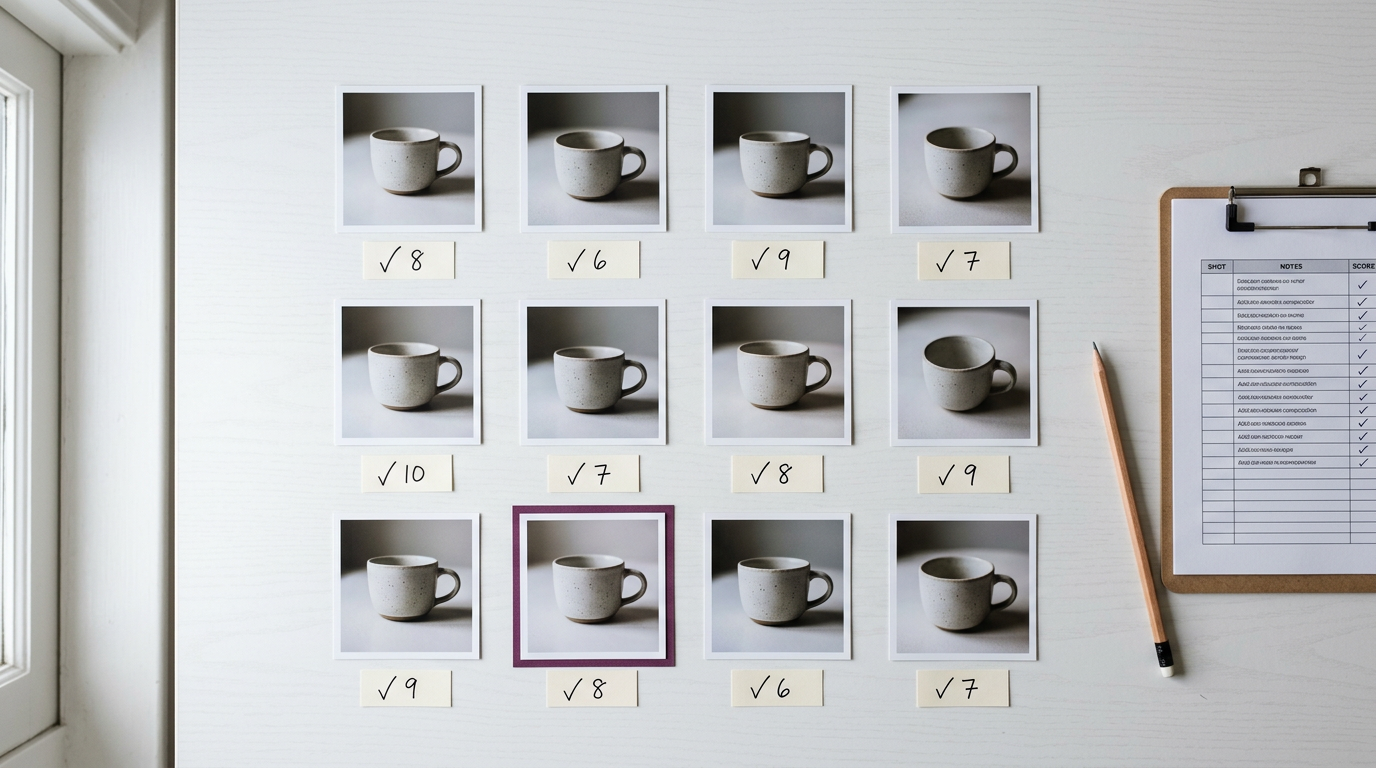
You swap in a faster model, lower the step count, or turn on fp8. The first few images look fine. Two weeks later a customer asks why every product shot now has a slightly melted label. Nobody noticed, because nobody was measuring.
Generative media is hard to test. There is no single right answer to "a ceramic cup on a linen tablecloth". But "hard to test" is not "impossible to test". With a small, open eval set and a few honest metrics you can tell, with confidence, whether a change made things better or worse.
This guide covers how to build that eval set, which metrics are worth trusting, and how to keep an eye on quality once you are live.
What makes an eval "open"
An open eval is one anyone on your team can read, rerun, and argue with. The prompts are written down. The settings are written down. The scoring rules are written down. If a number moves, you can open the exact images behind it.
- The prompt set lives in version control, next to your code.
- Every run records the model, version, seed, steps, resolution, and GPU type.
- Every score links back to the image or clip it came from.
- The scoring method is public, so two people get the same result.
Build a small eval set you actually care about
Public benchmarks are useful for comparing models in general. They tell you very little about your product. The most valuable eval set is the one built from your own traffic.
- Start with 100 to 300 prompts. That is enough to see real changes and small enough to review by eye.
- Pull them from real requests, with anything personal removed. Real prompts are messier than the ones you would write yourself, and that is the point.
- Group them by what they test: text in the image, hands and faces, product accuracy, counting, color, composition, motion for video.
- Add the prompts that have broken before. Every bug report becomes a permanent test.
- Freeze the set for each release. Add new prompts in a new version so old scores stay comparable.
Example
One prompt, three things to check
prompt A bottle of olive oil on white marble, label reading "Casa Verde", soft morning light
- Prompt match
- Is it a bottle, on marble, in soft light?
- Text
- Does the label say "Casa Verde", spelled correctly?
- Quality
- Is the glass clean, the edges sharp, and the reflection believable?
Takeaway: Write down what "good" means for each prompt group before you look at any images. It stops you from moving the goalposts later.
Pick metrics that match the question
No single metric captures quality. Use a few, each answering one clear question, and never let one number stand in for all of them.
| Aspect | More steps | Search |
|---|---|---|
| Does it match the prompt? | CLIP score alone | Question-based checks (GenEval style) plus CLIP score as a quick signal |
| Do people like it? | One person eyeballing a few images | Preference models (HPSv2, ImageReward) plus blind side-by-side reviews |
| Did the overall look shift? | FID on a few hundred images | CMMD or FID on a large, fixed reference set |
| Is the video steady? | Watching the first clip | Per-dimension video scores (VBench style): flicker, motion smoothness, subject consistency |
Automated scores are a filter, not a judge
Preference models and CLIP-based scores are fast and cheap. They are also easy to fool, and they share blind spots with the models they grade. Use them to flag which images to look at, then have people make the final call on anything that ships.
Make comparisons fair
Most "quality regressions" are really broken experiments. Two runs that differ in more than one way tell you nothing.
- Fix the seeds. Run every prompt with the same 2 to 4 seeds on both sides, so you compare the change, not the luck.
- Change one thing at a time: the model, the steps, the precision, or the GPU. Not all four.
- Run blind reviews. Show A and B side by side in random order, without labels.
- Report ties. "No visible difference" is a real and useful answer, especially when the change made things faster or cheaper.
- Look at the worst cases, not just the average. An average can improve while your ten most important prompts get worse.
If you only remember one rule: same prompts, same seeds, one change, blind review.
Measure speed and cost next to quality
Most optimizations trade a little quality for a lot of speed. That can be a great trade, but only if you see both sides. Record time per image, time to first frame for video, and cost per output for every eval run, in the same table as the quality scores.
Keep watching after launch
An eval set catches problems before release. Monitoring catches the ones that only show up with real traffic: new kinds of prompts, a weight file that changed upstream, a driver update, a GPU type you have not tested.
- Sample a small share of live outputs every day, for example 1 percent, and score them with the same automated metrics as your eval set.
- Watch trends, not single scores. Alert when the daily average moves outside its normal range for two days in a row.
- Track failure signals users give you for free: retries, regenerations, downloads, and deletions.
- Rerun the full eval set on a schedule, even when nothing changed. Silent changes are the ones that hurt.
- Keep a short human review every week. Twenty minutes looking at random outputs finds things no metric was built to find.
On ClockingCloud, sessions make this easier to organize: run each eval pass in its own session, tag outputs by prompt group and model version, and pull the full set back later to compare runs side by side.
Common mistakes to avoid
- Tuning against the eval set until it stops meaning anything. Keep a held-out set you only check before a release.
- Trusting FID on small samples. It needs thousands of images to be stable.
- Grading only by automated scores. They reward what they were trained to like, which is not always what your customers like.
- Changing the eval set and the model in the same release, then comparing the scores.
- Forgetting video is more than frames. A clip can have perfect frames and still flicker.
A starter checklist
- Write 100 to 300 prompts from real traffic, grouped by what they test.
- Write down what "good" means for each group.
- Choose two or three automated metrics and one blind human review.
- Fix seeds and settings, and record them with every run.
- Record speed and cost next to quality.
- Set a quality floor before you optimize.
- Sample live outputs daily and alert on trends.
- Turn every bug report into a new eval prompt.
None of this needs a research team. A spreadsheet, a fixed prompt list, and the discipline to change one thing at a time will catch most problems before your customers do.
Further reading
- GenEval: An Object-Focused Framework for Evaluating Text-to-Image Alignment
Ghosh et al., 2023
- Human Preference Score v2 (HPSv2)
Wu et al., 2023
- ImageReward: Learning and Evaluating Human Preferences for Text-to-Image Generation
Xu et al., 2023
- Rethinking FID: Towards a Better Evaluation Metric for Image Generation (CMMD)
Jayasumana et al., 2024
- VBench: Comprehensive Benchmark Suite for Video Generative Models
Huang et al., 2023
- GANs Trained by a Two Time-Scale Update Rule Converge to a Local Nash Equilibrium (FID)
Heusel et al., 2017